Ondro (zawin) is the author of the series of articles on the reception of NOAA meteo images, the original article can be found at www.svetelektro.com. Thx!
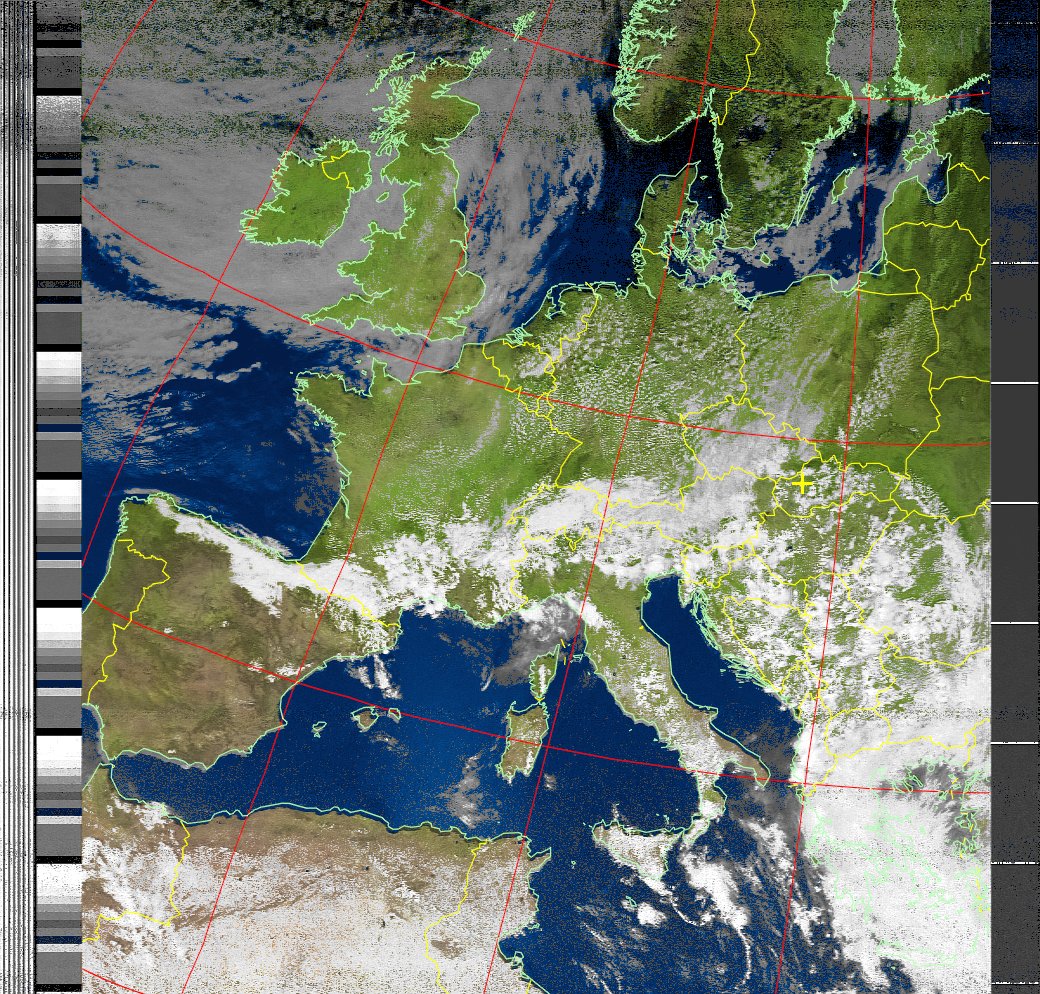
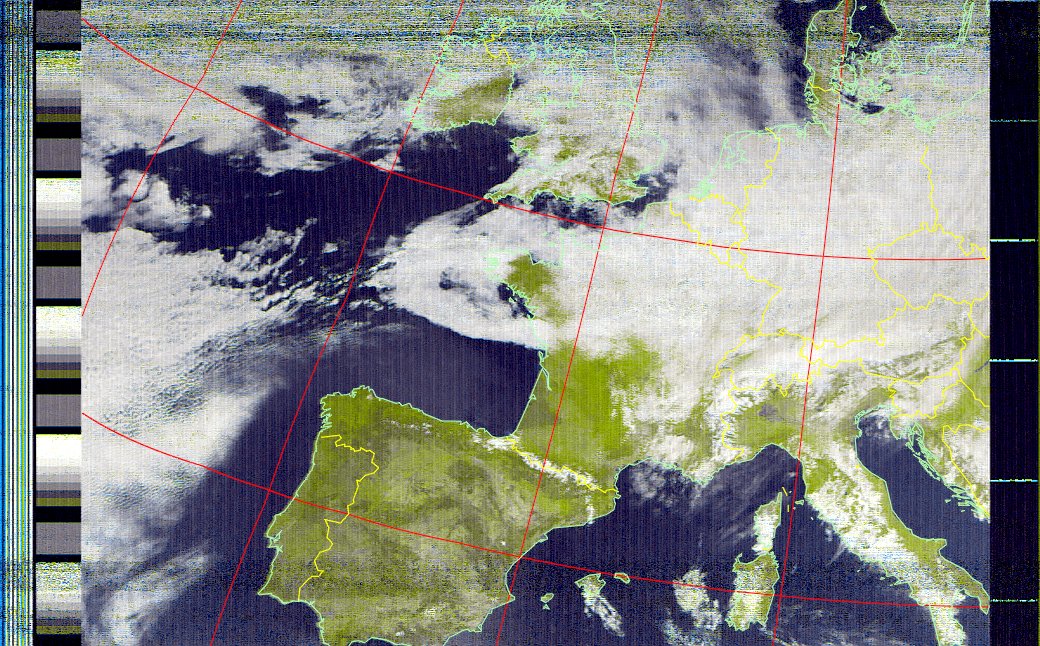
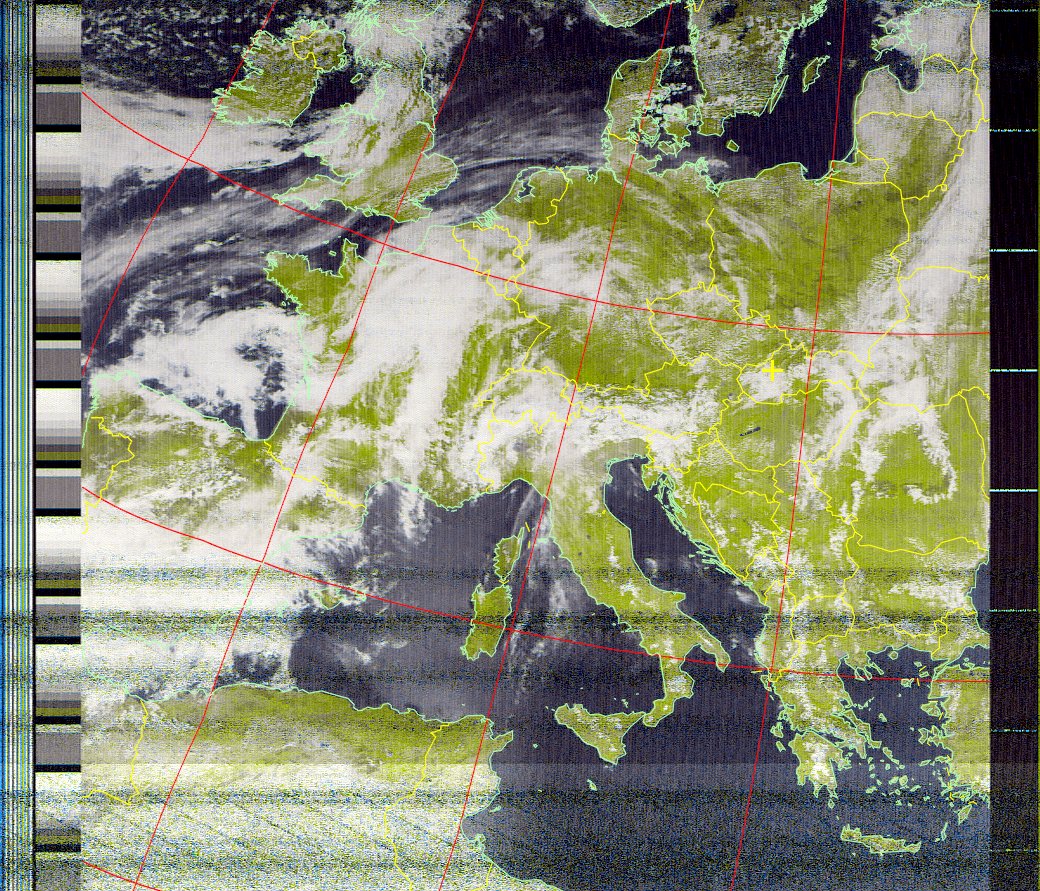
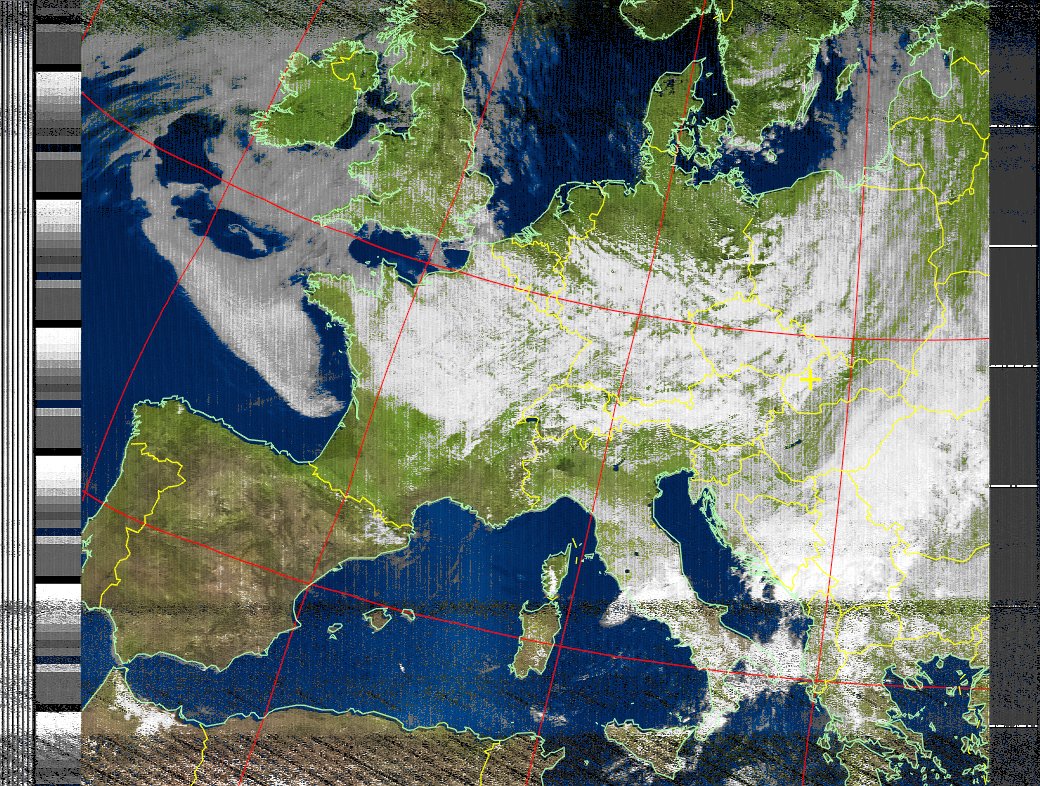
V poslednej časti seriálu s tematikou prijímu meteorologických snímkov sa budem venovať dekódovaniu snímok na počítači pomocou programu WXtoIMG. Popíšem základné funkcie programu a prepojenie prijimača so zvukovou kartou. V závere sa môžete tešiť na galériu obrázkov, ktoré som pomocou tohto prijímača prijal 🙂
When decoding images on a computer, I tried a number of programs for this function. I have to say that among all the programs, the WXtoIMG program, which I use until now, stood out.
You can download the program from http://www.wxtoimg.com/
After installing the program, the program will ask for your location, if you do not know the exact GPS coordinates of your city, just enter Bratislava, Slovakia. The deviation from the actual position is reflected when the program additionally draws the border in the image. This sets up the program and you can start receiving. Using the program Orbitron, which I described in the first part of the series we will find out the nearest flybys of satellites and their frequencies. When the satellite flies over the horizon and we are tuned to the correct frequency, we should hear an amplitude-modulated signal with a frequency of 2400Hz in the speaker - signal preview.
After that, all you have to do is make an audio cable, where we connect the signal from the speaker to the LINE-IN of the computer.
If we hear such a signal, everything is fine and we can decode 🙂
fig. No. 1: Manual and automatic mode
The program works in 2 modes – manual and automatic. Manual – call it File -> Record -> Manual test; I don't use this mode much, just when the satellite is already flying and I want to decode the signal. Automatic – call it File -> Record -> Auto Record; The program regularly updates the time of the flights and automatically starts recording only when a satellite is above the horizon. In automatic mode, it is necessary to set in Options – Recording Options; data from which elevation of the satellite the program should start recording automatically.
fig. No. 2: Setting the elevation
When recording, we monitor the LINE-IN volume level so that the value is green. After the recording is finished, the program automatically processes the raw data, additionally colors the image, adds borders to the states.