
Tiež máte pocit, že čím novší TCVR, tak tým menej je prepojiteľný s niečím iným? Predstavte si, že si kúpite TCVR a po čase k nemu tranzistorový zosilňovač. Ten ale potrebuje prepínať dolnopriepustné filtre… a čo teraz? Ak na to výrobca TCVR-a pamätal, tak ho dokážete prepojiť tak, aby sa prepínanie realizovalo automaticky. Ďalšou možnosťou je zdieľanie CAT dát. Treťou možnosťou je, že zosilňovač si odmeria frekvenciu z vysielaného signálu a prepne dolnopriepustné filtre..Ale je to zlé riešenie pretože prepínanie prebieha už počas vysielania. Posledná možnosť je, že operátor prepne dolnopriepustné filtre ručne.
Situácia sa začne komplikovať ešte viac ak na niektoré pásmo máme viac antén. Ďalší prepínač. Okrem zjavného nepohodlia narastá aj šanca, že niektorý prepínač nebude pri vysielaní v správnej polohe a môže dôjsť k poškodeniu zariadenia.
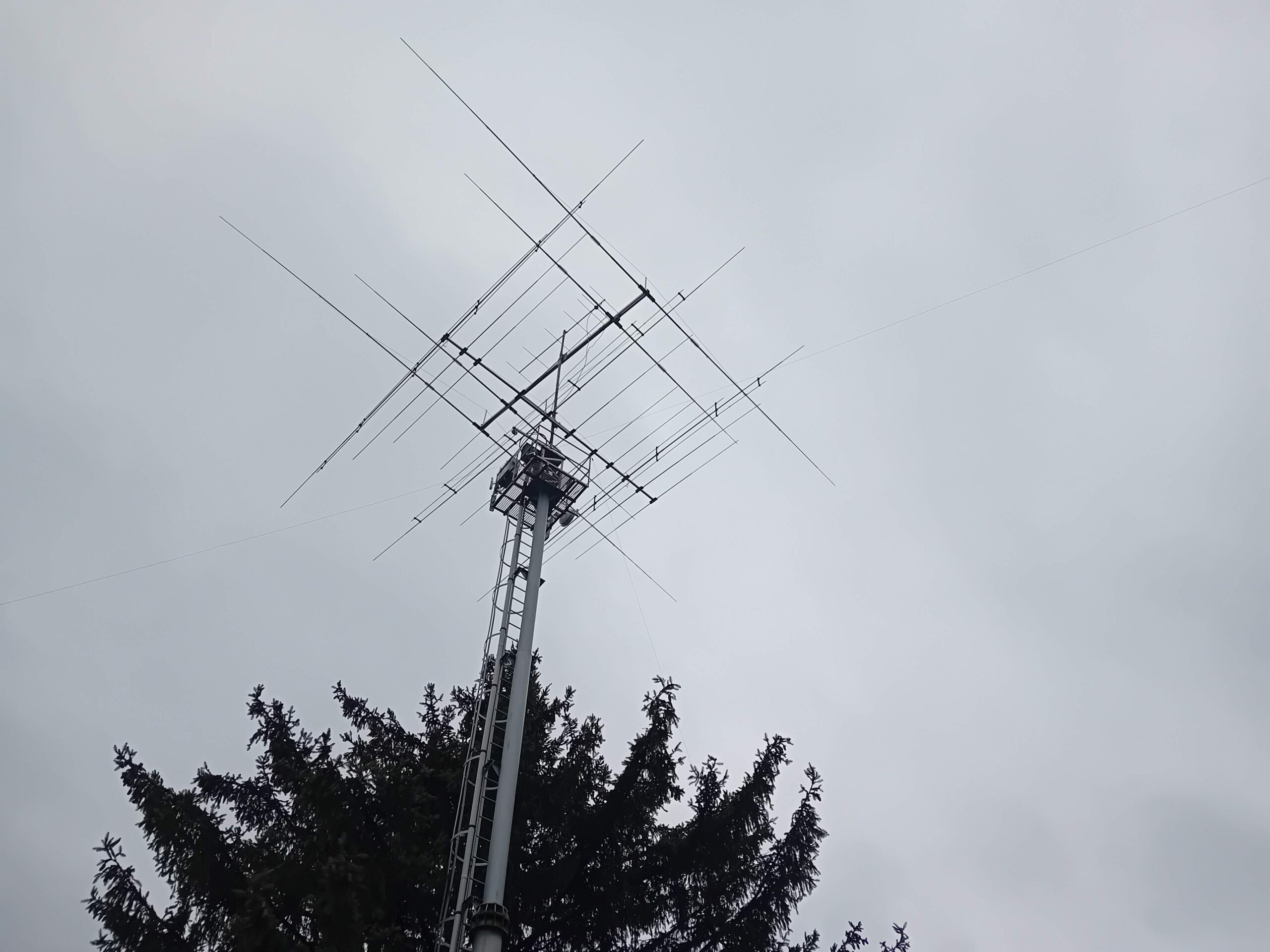
Predstavte si, že prejdete na iné pásmo a automaticky sa prepne správna anténa. Že na VKV zadáte „DL“ alebo „JO50“ a hneď sa prepne pevne nasmerovaná yagi anténa do tohto smeru? A naopak napíšem „9A“, tak sa prepne na druhú – otočnú – anténu?
Predstavte si, že dolnopriepustné filtre v zosilňovači sú prepínané automaticky aj keď TCVR nemá pásmový výstup. Predstavte si, že sa prepne správny transvertor….
V článku sa dočítate
Riešenie: OTRSP. Čo to je?
OTRSP je jednoduchý sériový (RS-232 / USB-serial) protokol, pomocou ktorého môže contestový logger alebo iný program ovládať:
- Two-radio switch (prepínanie RX/TX medzi dvoma transceivermi)
- SO2R kontroléry
- Anténne prepínače
- Footswitch / PTT routery
- CW/FSK/PTT matricu
- Ovládanie slúchadiel / audio prepínačov
Možností je teda veľa a znie to komplikovane. V praxi je to však jednoduché. Ako to spraviť?
Praktický príklad OTRSP s N1MM+
Ako prvé budeme potrebovať dekodér OTRSP. Ten je možné s minimálnymi nákladmi realizovať s Arduino Nano a kódom K7MDL, ktorý nájdete napríklad na https://github.com/ok1cdj/OTRSP_BAND_DECODER . Nech Vás nemýli v názve „BAND DECODER“.
Ten zabezpečí prevod do BCD kódu. To nám dáva priamo možnosť ovládať 4 prepínače alebo s BCD dekodér, čím získame 8 (DEC dekodér) až 16 výstupov. Príklad jednoduchého prepínača s doskou so 4 relé

Takéto moduly sú dostupné napríklad cez Techfun https://techfun.sk/produkt/4-kanalove-rele-s-jumperom-hl
Tieto relé nie sú určené pre prepínanie VF signálu. Sú vhodné na spínanie špeciálneho VF prepínača alebo ovládanie zosilňovača.
Pre 16 výstupov je potrebný ešte dekodér, napríklad https://remoteqth.com/bcd-to-16.php
Po pripojení Arduina k PC spustíme N1MM+. Cez položku Config v menu prejdeme na možnosť Configure Ports, Mode Control, Winkey etc. V novom okne na záložke Hardware vyberieme COM port, ktorý vznikol pripojením Arduina k PC a vyberieme na ňom OTRSP protokol.


Na záložke Antennas môžeme definovať tabuľku prepínania. Príklad ukazuje príklad dvoch antén v pásme 144 MHz. Prvá je pre azimut 230 až 300 stupňov (nazvaná Západ) a druhá je pre azimut 50 až 130 stupňov (nazvaná Východ). Súčasne je aktivovaná možnosť, že sa automaticky vyberie anténa pre stanicu v danom smere.

Prvý TIP
Nevyhovuje v danej chvíli ako definuje automatické prepnutie? Použite ALT+F9 pre ručné prepnutie.
Druhý TIP
Ak zadáme v tabuľke aj názov pripojeného rotátora, je možné jeho ovládanie priamo z N1MM+, kde pokyn na natočenie pôjde príslušnému rotátoru aj keby bolo napojených viacero rotátorov.
Tretí TIP
Ak Vám nevyhovuje N1MM+, tak skúste DXLog či Logger32 a iné, ktoré podporujú OTRSP
Záver
OTRSP teda nie je niečo len pre SO2R, ale prakticky využiteľná vec pre mnohých rádioamatérov. Možnou nevýhodou je, že prepínanie vyžaduje PC s logom. To ale nemusí byť nevýhoda – PC je dnes štandardom hamshacku.
Upozornenie: v prípade nepripojenie PC alebo straty komunikácie PC – Arduino prepínač nepracuje! Kontrolou fungovania môžu byť LED na relé doskách.