
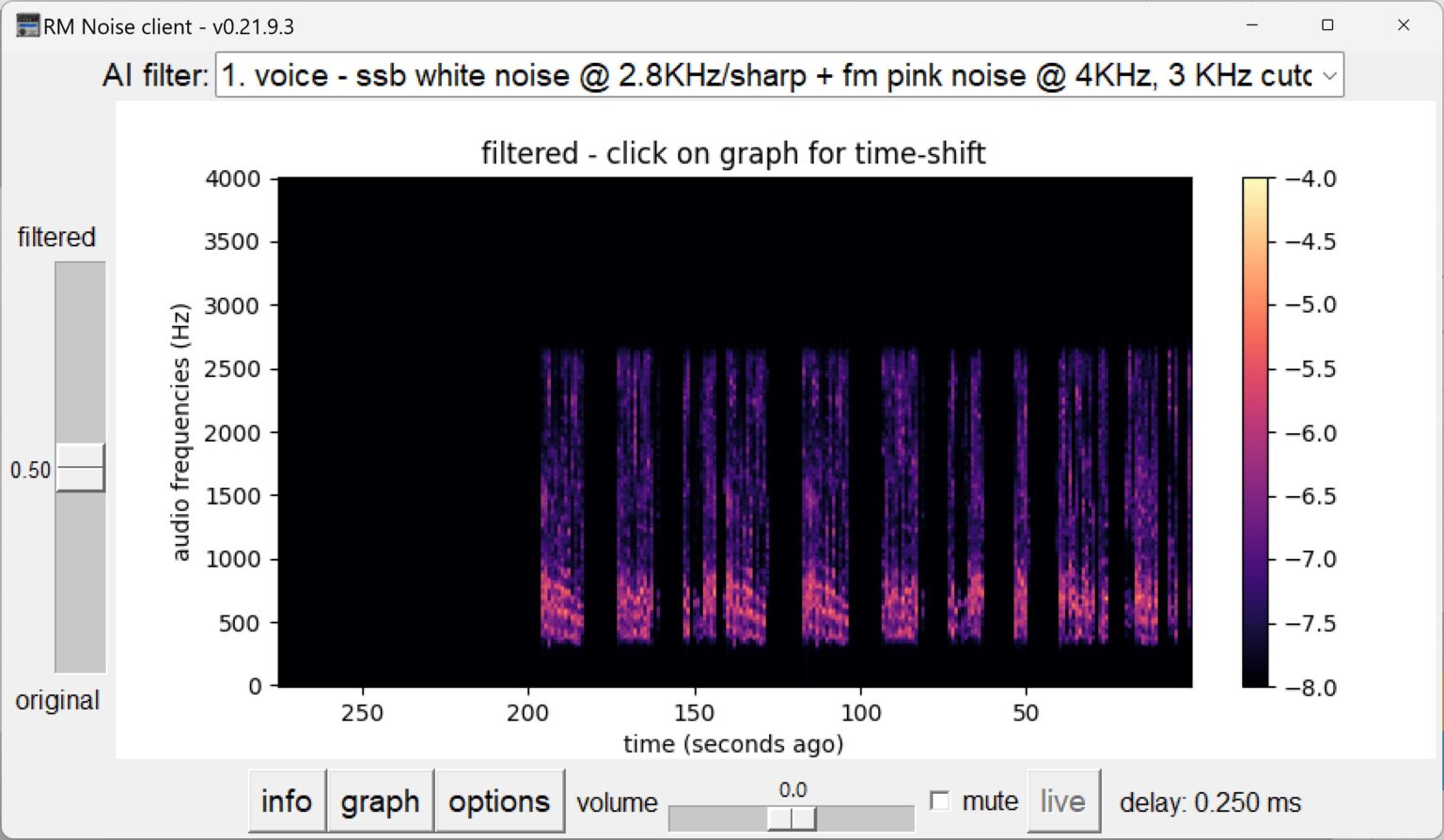
The RM Noise project uses AI to remove noise and interference from a CW or voice radio signal. First, the system is "trained" using noise recordings that are often unique to each setting and location.
After training, the client program sends the noisy output of the receiver to the AI server, the server removes the noise in real time and returns the audio back to the client for listening.
You will read in the article
An example of removing interference in the S57O signal
CW signal improvement
What is required for RM Noise?
A Windows computer (10 or 11 recommended) with Internet access and an audio input connected to the receiver. Of course, the software that you can find at https://ournetplace.com/rm-noise/documentation/
A username and password are required for use. You get this by registering at https://ournetplace.com/rm-noise/registration/ , where it is recommended to use the radio amateur brand as a username.
Launch RM Noise from the Windows Start menu and log in with your username and password. (do not run the program from the desktop)
RM Noise itself will select from the available AI servers the one that will have the smallest delay from your location. RM Noise will also try to make other settings automatically. If so, just select a suitable filter from the menu and use the slider on the left to increase the level of filtering.
The full description and possible solution to the settings can be found at https://ournetplace.com/rm-noise/documentation/
Roland HB9VQQ is hosted in Europe. Some radio amateurs report excellent results in suppressing interference from LED lighting. Will you try?