
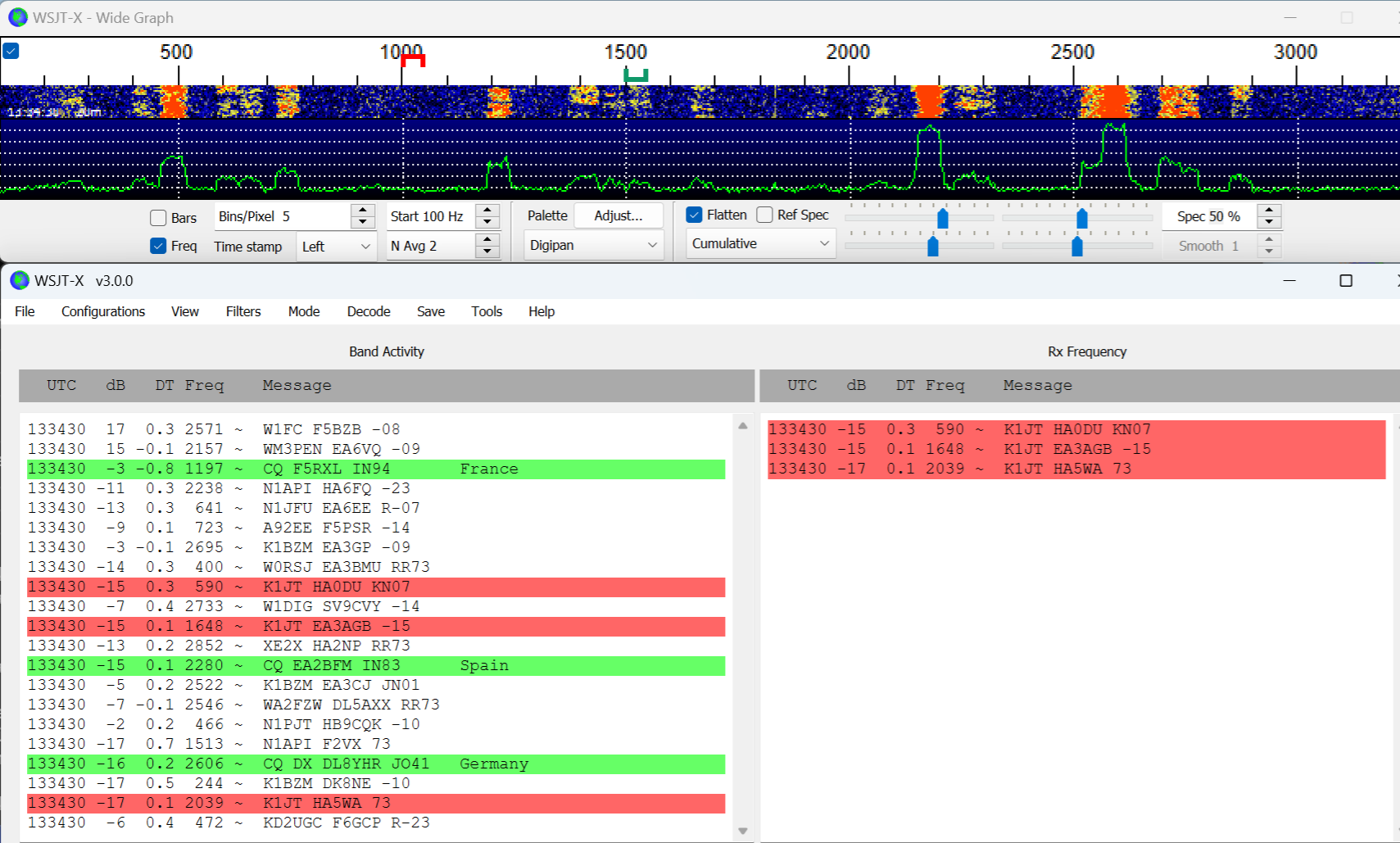
New version WSJT-X 3.0 brings many improvements and new features that are based on long-term development and testing within versions WSJT-X Improved. It contains all the changes from the previous branch up to version 2.8.0 and complements them with new options that will please radio amateurs working with digital modes such as FT8, FT4, MSK144, Q65, JT65 whether FST4.
You will read in the article
Change buttons for bands
One of the novelties is display buttons for bands. The user can choose between two sets - for KV bands from 160 m to 70 cm or for VHF and higher frequencies up to 24 GHz. Switching and activating the buttons is done in the menu View.
FT8 decoding performance
Significantly improved FT8 decoding performance, which now allows parallel processing on up to 12 threads. This means faster and more accurate decoding, especially with a large number of signals in the band.
Fits

Another practical function are filters, which allow you to hide or highlight certain categories of stations - for example, those you have already worked on the current band or on a given day. Filters are set in the section File | Settings | Filters and turn on in the menu Filters.
Functions are designed for demanding signal propagation conditions Wait and Reply, Wait and Call a Wait and Pounce, which help optimize broadcasting and minimize unnecessary transmissions.
The new version also brings sound notifications to receive a defined message. Access to two audio output devices is required to use them.
Full duplex mode WSJT-X 3.0
WSJT-X 3.0 supports Full Duplex mode, which allows simultaneous transmission and reception - ideal for satellite operation or checking your own signal, for example via webSDR.
TCI
Another important innovation is support Transceiver Control Interface (TCI), which simplifies the connection with devices and software for controlling the transceiver and audio signal.
Performance measurement and PSV
The program now displays transmitter power and SWR value directly on the status bar. If the SWR exceeds 2.5, the transmission will automatically stop to prevent damage to the equipment.
Band hopping

Function Band hopping umožňuje automaticky sledovať viac subpásiem alebo až osem definovaných frekvencií – ideálne For contesty.
EME
For EME operation new tools have been added, including quick switching of Q65 submodes and better support for different regulatory requirements in individual countries.
Logging in
It was also improved QSO Logging in, vrátane podpory satelitných spojení a automatického logovania mimo contest režimu.
WSJT-X 3.0 also adapts to modern devices - now it scales graphics better on high resolution displays.
Instructions and download WSJT-X 3
This version brings a number of improvements that will make the work of radio amateurs more efficient and move digital mods one step further. More about its features and control at https://wsjt.sourceforge.io/wsjtx-doc/wsjtx-main- 3.0.0-rc1.html#INTRO Download and run the installation file wsjtx- 3.0.0-rc1-win32.exe (Windows 7 or later, 32-bit) or wsjtx- 3.0.0-rc1-win64.exe (Windows 7 or later, 64-bit). Installations for Linux and Mac can be found in the description.